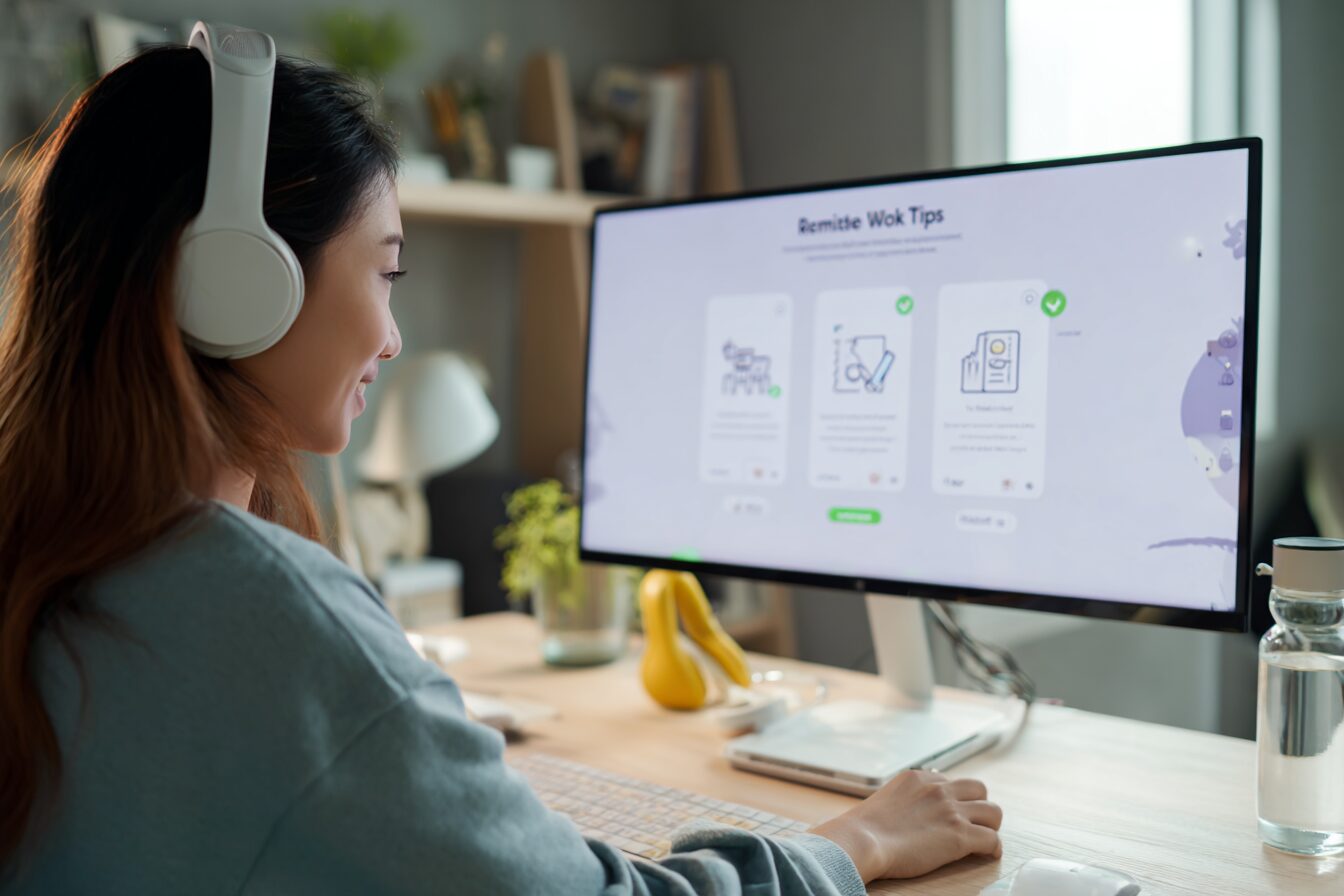
For many job seekers, the video interview is now the first (and sometimes only) chance to make a great impression. If you’re applying for a remote role, chances are your entire interview process will be virtual.
And here’s the catch—most remote candidates don’t realize that acing a video interview requires just as much preparation as an in-person one. Maybe more.
Whether you’re a seasoned remote worker or applying for your first virtual role, preparing strategically can help you stand out from the crowd and prove you’re ready for the demands of remote work.
Let’s walk through exactly how to do that.
Why Video Interview Prep Matters for Remote Roles
In remote work, communication is everything. Employers are looking for candidates who are clear, confident, tech-savvy, and organized—all of which come through in how you show up on video.
A well-prepared interview helps you:
- Project professionalism from your home office
- Eliminate awkward tech glitches
- Show your communication style
- Build rapport and confidence remotely
You only get one chance to make a virtual first impression. Let’s make it count.
Step-by-Step Video Interview Prep Guide
1. Test Your Tech Beforehand
Make sure your setup reflects your readiness to work remotely:
- Camera: Use a webcam with good resolution (720p minimum). Test it.
- Microphone: Clear audio is critical. Use a headset or dedicated mic.
- Internet: A wired connection is ideal. At minimum, test your upload speed (aim for 5 Mbps or higher).
- Lighting: Natural light facing you or a ring light works best.
- Platform check: Familiarize yourself with Zoom, Google Meet, or whatever platform the employer is using.
2. Create a Distraction-Free Space
Your environment says a lot. Remote employers want to know you can stay focused at home.
- Choose a quiet, clean space.
- Keep your background simple or use a virtual one if needed.
- Let housemates know about the interview to avoid interruptions.
- Silence all phone alerts, desktop notifications, and apps.
3. Dress for Success
Even though you’re remote, how you present yourself matters.
- Wear professional attire (yes, from head to toe—just in case).
- Avoid distracting patterns and loud colors.
- Keep hair and makeup clean and polished.
4. Practice Remote Interview Etiquette
There’s a rhythm to video interviews—be mindful of it:
- Look at the camera when speaking (not the screen).
- Pause slightly after answering to account for lag.
- Use hand gestures and facial expressions to stay engaging.
- Avoid interrupting. Let the interviewer finish speaking fully.
5. Prepare Your Talking Points
Remote roles often come with specific questions:
- How do you manage your time?
- What tools have you used for remote collaboration?
- How do you stay focused in a home environment?
Prep 2–3 examples of past remote experience, plus results you’ve achieved.
Use the STAR method (Situation, Task, Action, Result) to structure your answers.
Bonus Tips to Stand Out
Send a Pre-Interview Confirmation
A polite email confirming your attendance and excitement for the interview gives you a professional edge.
Keep Notes Nearby (But Don’t Read Off-Screen)
It’s okay to keep a few bullet points visible, but keep your eyes on the interviewer.
Prepare Smart Questions
This shows you’re proactive:
- How do remote teams collaborate here?
- What does success look like in the first 90 days?
How We Help Remote Talent Like You Succeed
At EA Virtual Assistance Services, we support professionals at every stage of their remote job search:
- Personalized job matching for remote roles
- Resume polishing and interview prep
- Career coaching and virtual onboarding guides
Whether you’re new to remote work or ready to level up, we’re here to help you land a role that fits your lifestyle and goals.
Upload your resume with us and start your remote career with confidence.
Frequently Asked Questions
1. Do I need remote experience to get hired remotely?
No, but you should show transferable skills like independence, time management, and digital literacy.
2. Can I do a remote interview from my phone?
It’s possible, but not ideal. Use a laptop or desktop for the most professional setup.
3. What should I do if my internet drops during the interview?
Prepare a backup plan—hotspot or mobile data—and let the interviewer know ahead of time.
4. Should I blur my background?
If your space is cluttered, yes. But a tidy, natural background feels more authentic.
5. How do I follow up after the interview?
Send a short thank-you email within 24 hours. Reaffirm your interest and mention a key point discussed.
Ready to start your virtual assistant journey?
Send your resume to recruitment@eavaservices.com or book a consultation or sign up for job alerts with EA Virtual Assistance Services and let us help you land your next opportunity.
Read more of our blogs.
Leave a Reply